
Compatibility fit check

Will it work with your POS setup?

Check the software, receipt printer, trigger source, cable and electrical requirements together. Use the shortlist as a starting point, then test a sample with your exact equipment; a matching plug alone does not prove compatibility.

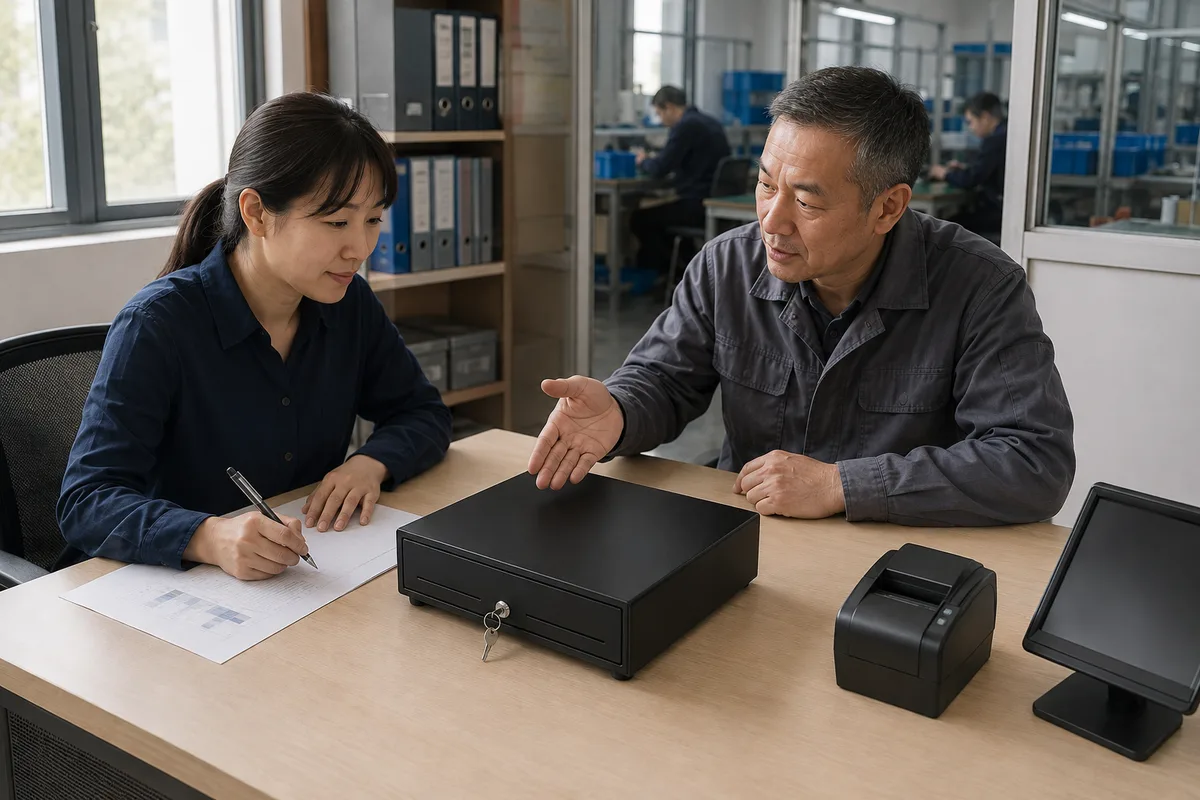
AI-generated illustration: review your setup before ordering
Review your setup before ordering

Review your setup before ordering

Bring your printer model, interface requirements and counter dimensions into the sample review. Confirm operation with the intended POS setup before placing an order.

AI-generated illustrations, not photographs or inspection records of our facility.

Why fit matters

A cash drawer that opens on the wrong voltage, or that ships with a cable the printer cannot drive, fails on the counter even when the size is right. Trigger source, interface, and solenoid voltage have to be settled together before the order is placed.

Turn assumptions into checks

Gather the printer model and drawer-port documentation, connector photos, required voltage and cable pinout. Our team can review documented options for the selected drawer and identify what still needs sample validation.

Three-step fit check

Each step unlocks after the previous answer. Results are candidate fits; the final match is confirmed in RFQ.

How is the drawer triggered?
1

How is the drawer triggered?

Which interface does your printer or POS use?
2

Which interface does your printer or POS use?

Which solenoid voltage does the trigger supply?
3

Which solenoid voltage does the trigger supply?

What can be specified

Only confirmed customization options are listed. Commercial terms are settled in RFQ review.

RequirementOptions to reviewWhat to confirm
ColorEnclosure color specified per program.Approved color reference and sample finish.
LogoSilk-print or stamped logo at an agreed position.Artwork, position and sample approval.
PackagingPackaging language, product labels, barcode, and carton marks prepared to your brief.Packing format, labels and destination requirements.
Voltage9 V, 12 V, or 24 V solenoid selected per order.Selected drawer voltage against host output specifications.
InterfaceRJ11, RJ12, or USB trigger option selected per order.Exact host, pinout, cable and trigger requirements.
Tray layoutDocumented bill and coin layouts per model; adjustable dividers and removable coin trays where the model supports them.Currency, compartment dimensions and model-specific options.
Lock3-position lock on roller and flip top models; 2-position lock on manual models and some compact models (confirmed per model).Model-specific lock behavior and key-handling procedures.

Options are confirmed for the selected model during RFQ review. This table describes what can be specified; it is not a quotation.

Have your printer model ready?

Record the exact POS or printer model and technical inputs in the RFQ; do not assume interchangeability from appearance alone.

Request a compatibility check